Projects
XNAT stores subjects, imaging sessions and related files within projects. Access is managed at the project level.
Find a project
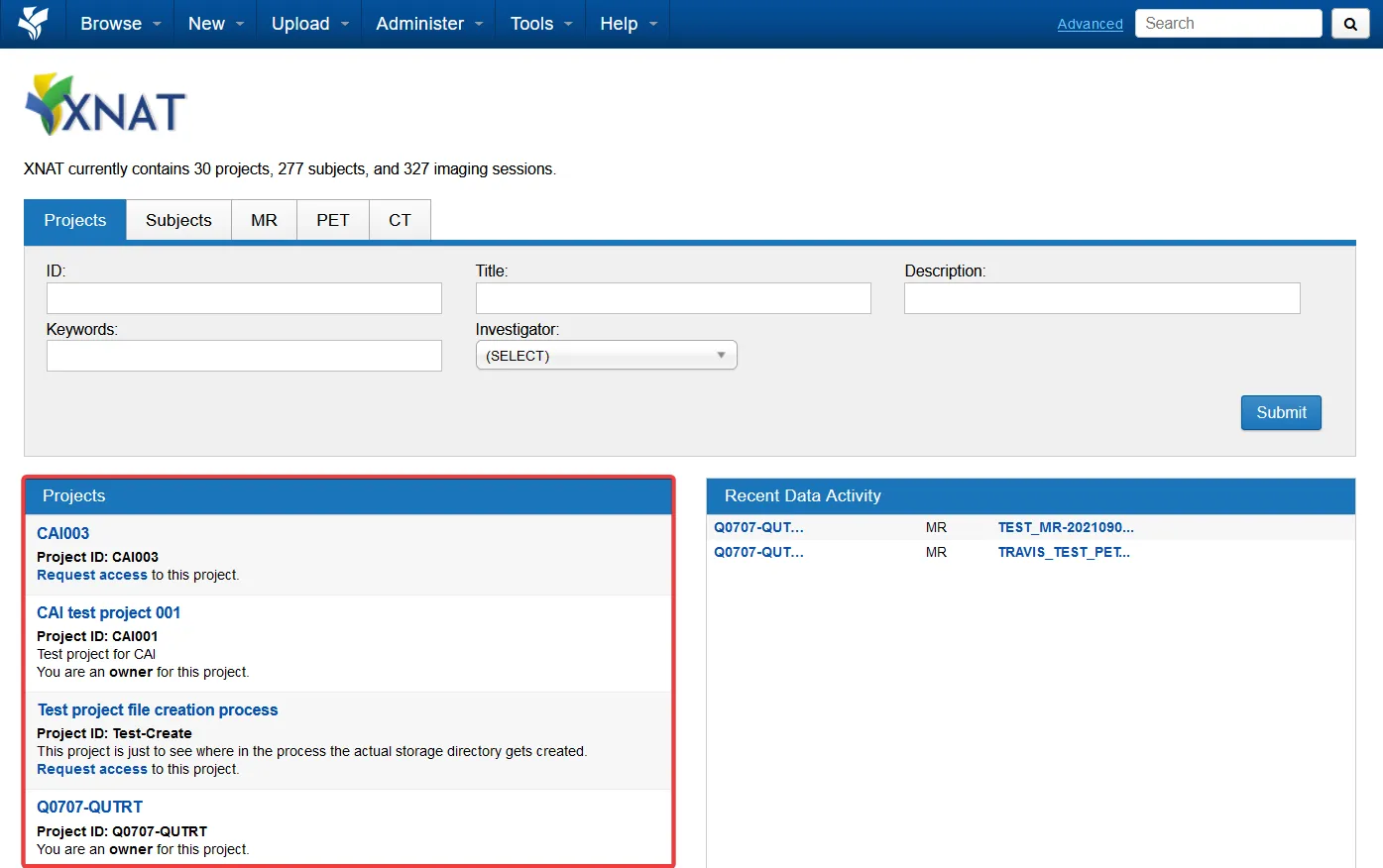
Section titled “Find a project”After you log in, the home page lists projects available to your account in the Projects panel. Each entry shows the project name, identifier and description, along with whether you are an owner or can request access. Use the project search field to filter the list.
The Recent Data Activity panel beside the list shows recent changes to data you can access.
Working with projects
Section titled “Working with projects”- Your XNAT project - request a new project or get access to an existing one.
- Granting access - add users as Owners, Members or Collaborators.
- Requesting more storage - request an increase to your project’s storage or file allocation.