Sessions and scans
XNAT organises imaging sessions by the modality recorded in their DICOM metadata, such as MR, CT or PET. Open a session to review its metadata, scans and files.
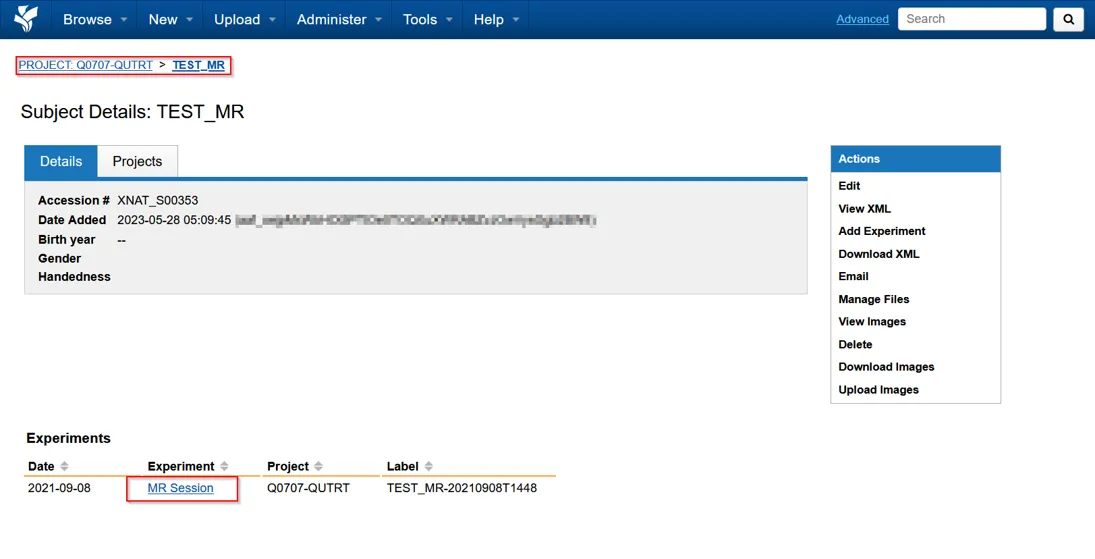
Edit a session
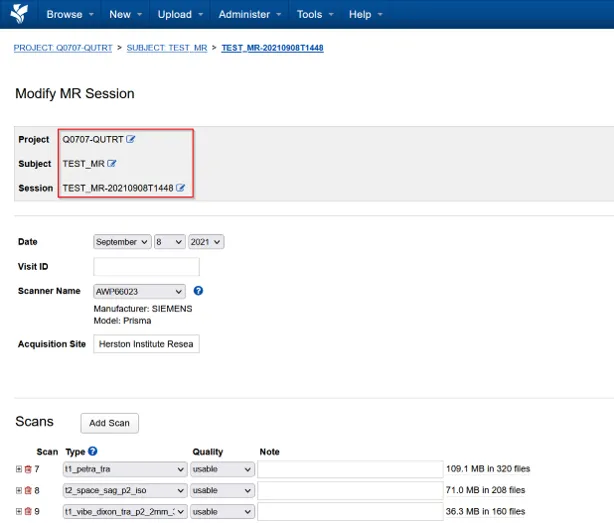
Section titled “Edit a session”Use the actions panel on the right of the session page to edit session details and metadata.
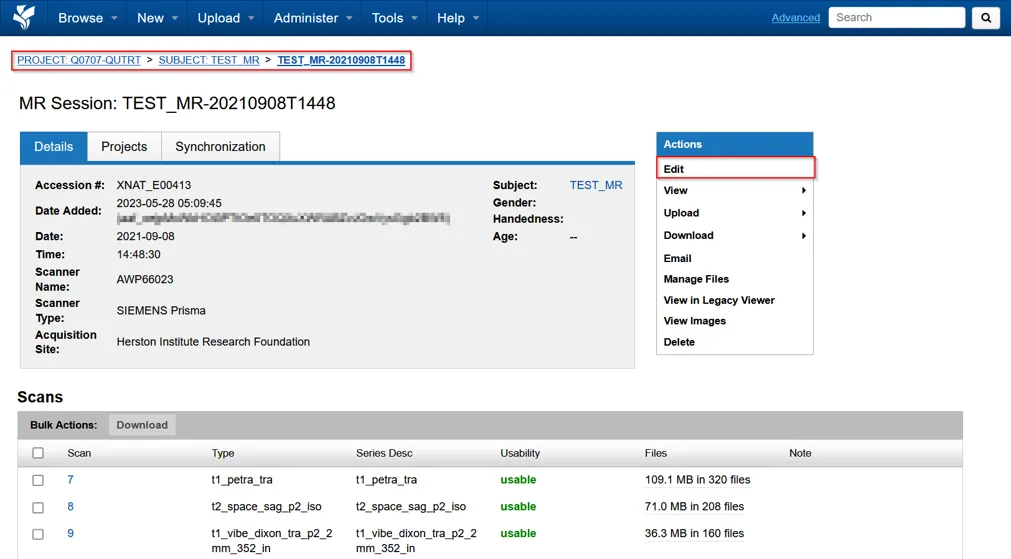
The available actions let you:
- change the session label
- move the session to another project
- move the session to another subject
- create a subject and move the session to it
- correct an invalid or blank session label
Inspect scans
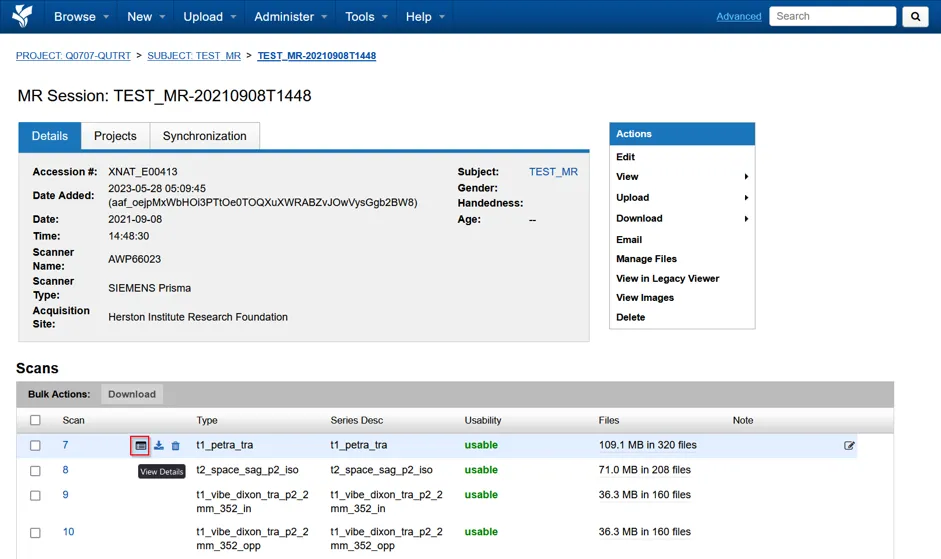
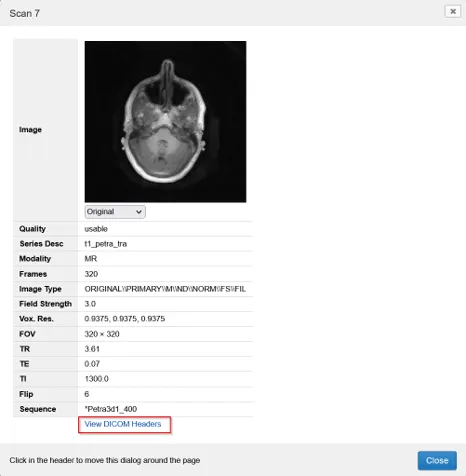
Section titled “Inspect scans”The Scans table lists the scans in the session, including their series descriptions. Point to a scan and select its view-details button to open its details and image preview.
View DICOM headers
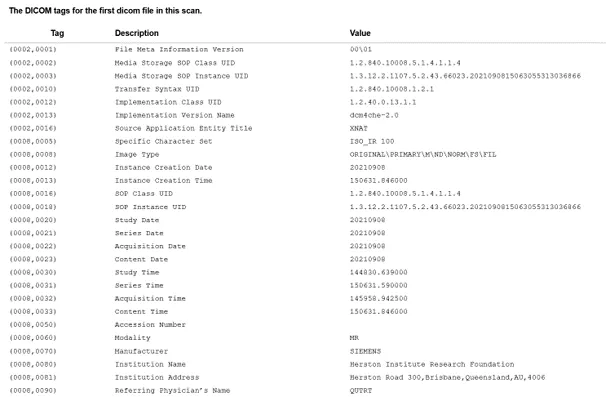
Section titled “View DICOM headers”Select View DICOM headers from the scan details to display the header values in the panel on the right.
Next steps
Section titled “Next steps”View imagesOpen an imaging session in the browser-based OHIF Viewer.
Download dataDownload a session or individual scans from XNAT.