Viewing images
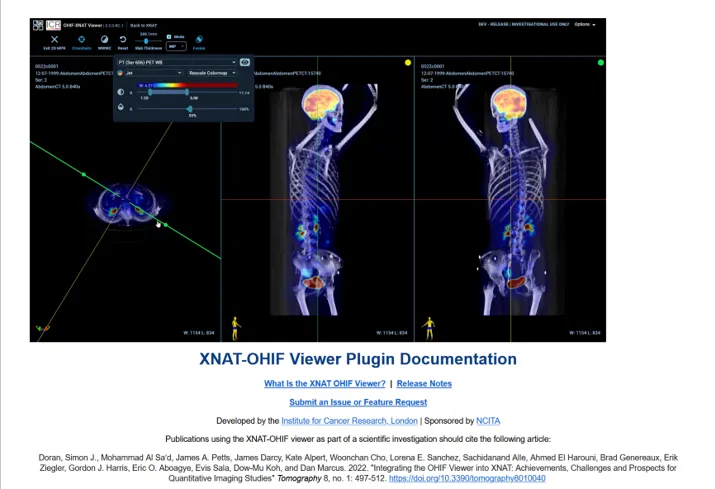
About the XNAT OHIF Viewer
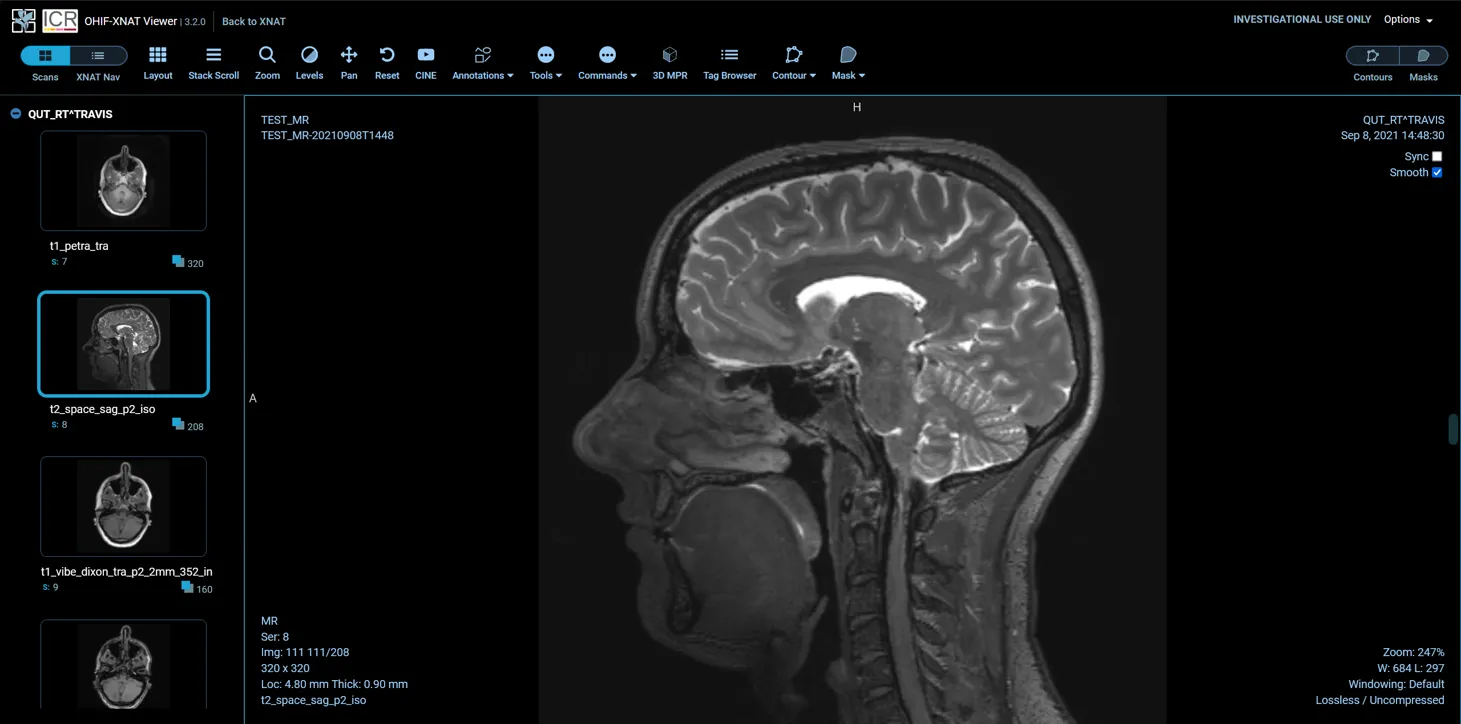
Section titled “About the XNAT OHIF Viewer”Use the XNAT OHIF Viewer to inspect images in your browser without downloading the DICOM files first.
For viewer controls and citation information, see the official XNAT OHIF Viewer documentation and guide to using the XNAT OHIF Viewer.
Open a session in the viewer
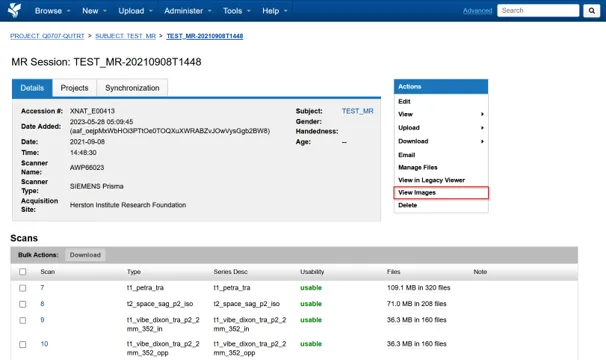
Section titled “Open a session in the viewer”- Open the imaging session you want to inspect.
- Select View Images from the actions panel.
- Wait for the OHIF Viewer to open and load the session.
Use View Images rather than View in Legacy Viewer.
Next steps
Section titled “Next steps”Sessions and scansInspect session metadata, scans and DICOM headers.
Download dataDownload a project, session or individual scans from XNAT.